Title Generator
Build /title, subtitle and actionbar commands with colors, timing, and a live preview — emitted in the correct order so they actually display in game.
Colors
Select some text in the highlighted field, then pick a color or style — it applies to what you selected. With nothing selected it applies to the whole line.
Styles
Font
Text shadow
Title — big center text49/160px
Subtitle — under the title70/320px
Actionbar — above the hotbar0/640px
Preview
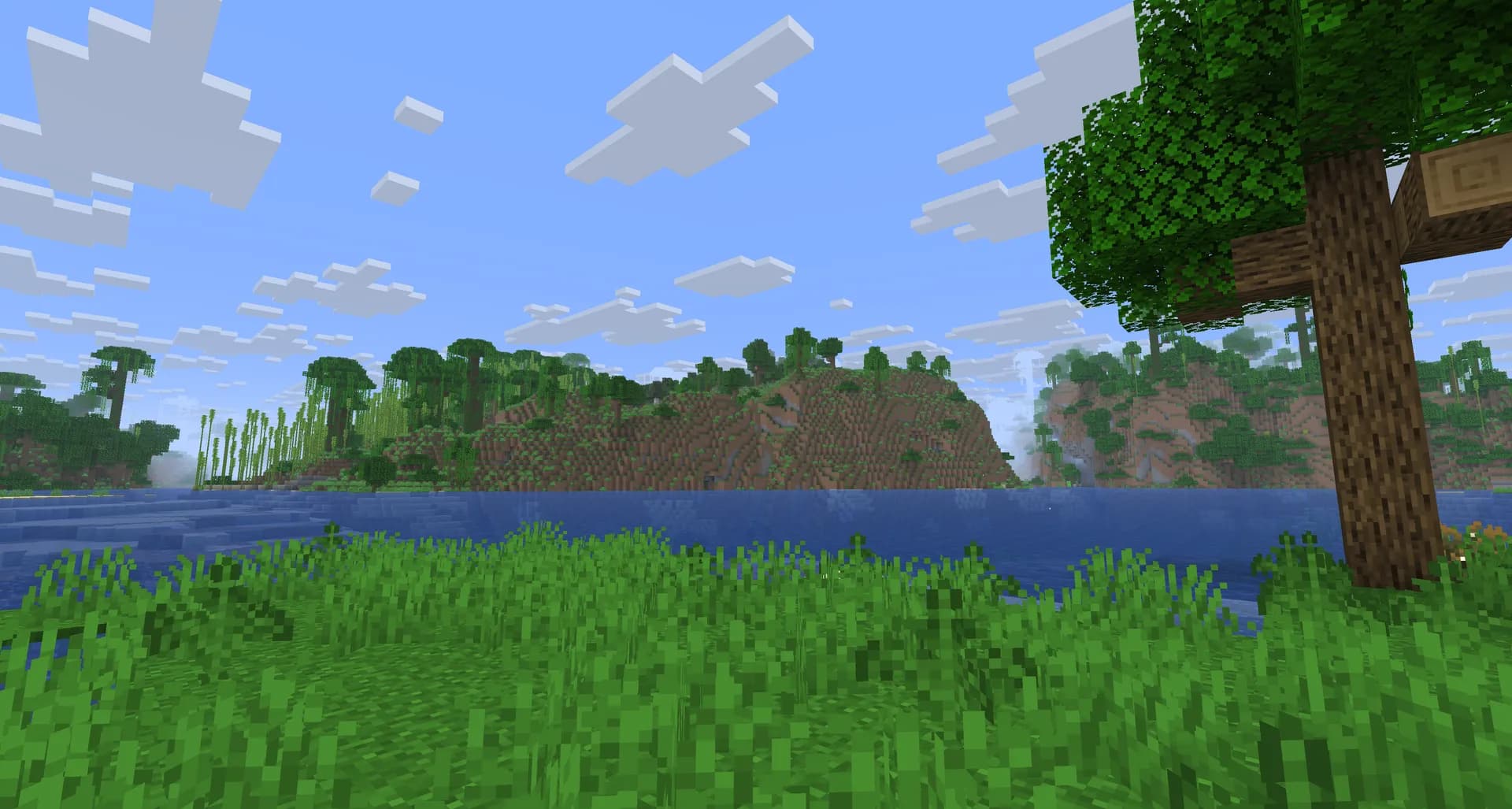
Welcome!
to the server
Ready0.0s / 5.0s
TargetAll Players
Fade in / Stay / Out10 / 70 / 20
Total time on screen5s
Commands3
Fits on screenYes
How to use the Title Generator
Build /title, subtitle and actionbar commands with color codes, fade timings, and a live preview — emitted in the correct order so they actually display in game.
Quick steps
- 1Pick who sees it with a target selector (or type a player name)
- 2Write your title, subtitle and actionbar text, adding colors with the swatches
- 3Set the fade in / stay / fade out timings in ticks (20 ticks = 1 second)
- 4Copy the commands and run them in the order shown
Example use cases
- Welcome messages on an adventure map or minigame server
- Announce a round start or objective with a timed title
- Show a persistent status line on the actionbar
Tips
Order matters — times, then subtitle, then title; the title command is what triggers the display
A subtitle alone never shows — send a title (even a single space) with it
The actionbar has its own command and shows on its own — unlike a subtitle, it doesn't need a title
Frequently asked questions
Why is my Minecraft title not showing?
Almost always the command order. Sending /title <target> title … displays the title immediately, so anything you send afterwards (like the subtitle or the times) applies to the next title instead. Send them in this order: times first, then subtitle, then title. This generator always outputs them in the correct order.
Why does my subtitle not appear?
A subtitle is only drawn alongside a title — it never displays on its own. If you only want the lower line, still send a title command (a single space works as the title text) so the pair renders.
How do the title timings work?
The times subcommand takes three values in ticks: fade in, stay, and fade out. There are 20 ticks in a second, so the default 10 70 20 means 0.5s fading in, 3.5s on screen, and 1s fading out. Set the times before sending the title, or the previous (or default) timings are used.
What is the difference between title, subtitle, and actionbar?
The title is the large text in the center of the screen, the subtitle is the smaller line beneath it, and the actionbar is the small text just above your hotbar. The actionbar has its own command and, unlike a subtitle, displays on its own without needing a title to be shown alongside it.
How do I add colors to a title?
Type & color codes (for example &6&lWelcome for gold bold) or click the color swatches. The generator converts them into the text component /title requires, in the format of your version (JSON before 1.21.5, SNBT after), including hex colors for 1.16+.